
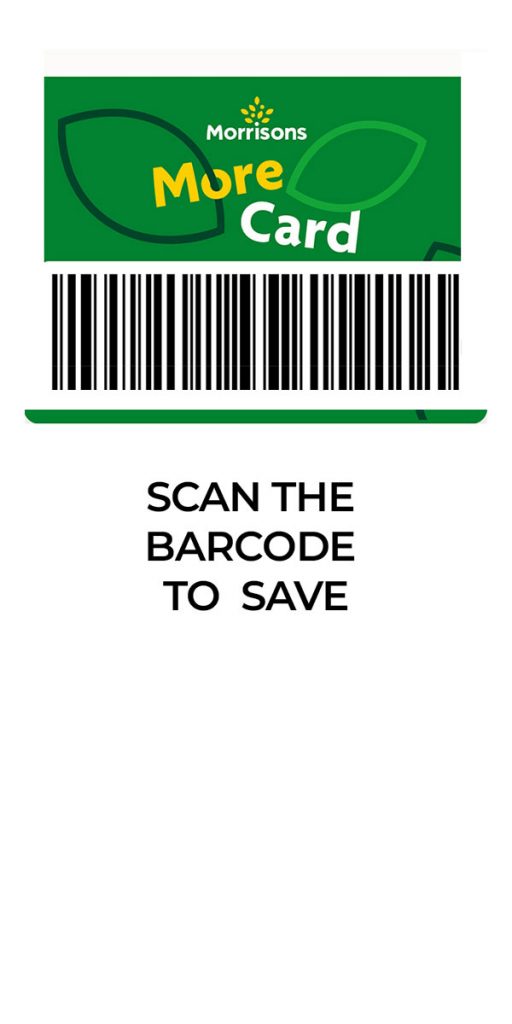
Morrisons More barcode screenshot
In today’s fast-paced world, it’s easy to forget things, especially small items like loyalty cards. If you’ve ever found yourself at the checkout counter at Morrisons without your More card, don’t worry! There are a few simple ways to still earn those valuable points.
Option 1: Take a Picture of Your Morrisons Card
The easiest solution is to take a picture of your Morrisons More card using your smartphone. This way, you’ll always have a digital copy readily available. Simply show the picture to the cashier, and they can scan it to add your points to your account.
Option 2: Add Your Card to Your Mobile Wallet
If you have an iPhone or an Android device, you can add your Morrisons More card to your mobile wallet. This is a convenient way to keep your card with you at all times, even if you forget your physical card.
To add your card to your mobile wallet, follow these steps:
- Open the Wallet app on your iPhone or the Google Pay app on your Android device.
- Tap the “+” button to add a new card.
- Select “Loyalty card” or “Membership card”.
- Enter the required information, such as your card number and name.
- Tap “Add to Wallet” or “Save”.
Once your card is added to your mobile wallet, you can simply tap it at the checkout counter to earn your points.
Option 3: Use the Morrisons More App
If you have a smartphone, you can also download the Morrisons More app. This app allows you to view your points balance, find special offers, and even use your digital card to earn points.
To use the Morrisons More app, follow these steps:
- Download the app from the App Store or Google Play Store.
- Sign in to your Morrisons More account.
- Tap the “Scan & Save” button at the checkout counter.
- Allow the app to scan your shopping receipt.
Your points will be automatically added to your account within a few minutes.
Additional Tips
- If you’re a regular Morrisons shopper, consider signing up for email alerts. This way, you’ll be notified of any special offers or promotions.
- If you’re planning a big shopping trip, make sure to check the Morrisons website or app for any special events or promotions that may be happening.
- If you have any questions about your Morrisons More card, you can contact customer service for assistance.
By following these tips, you can ensure that you never miss out on earning valuable points, even if you forget your physical card.
This should help you get Morrisons More Card prices!
Or maybe you need a Superdrug Health & Beauty Card Barcode picture. Then just click the link here.