
Add a picture of Superdrug Health and Beauty Card barcode screenshot to your mobile wallet
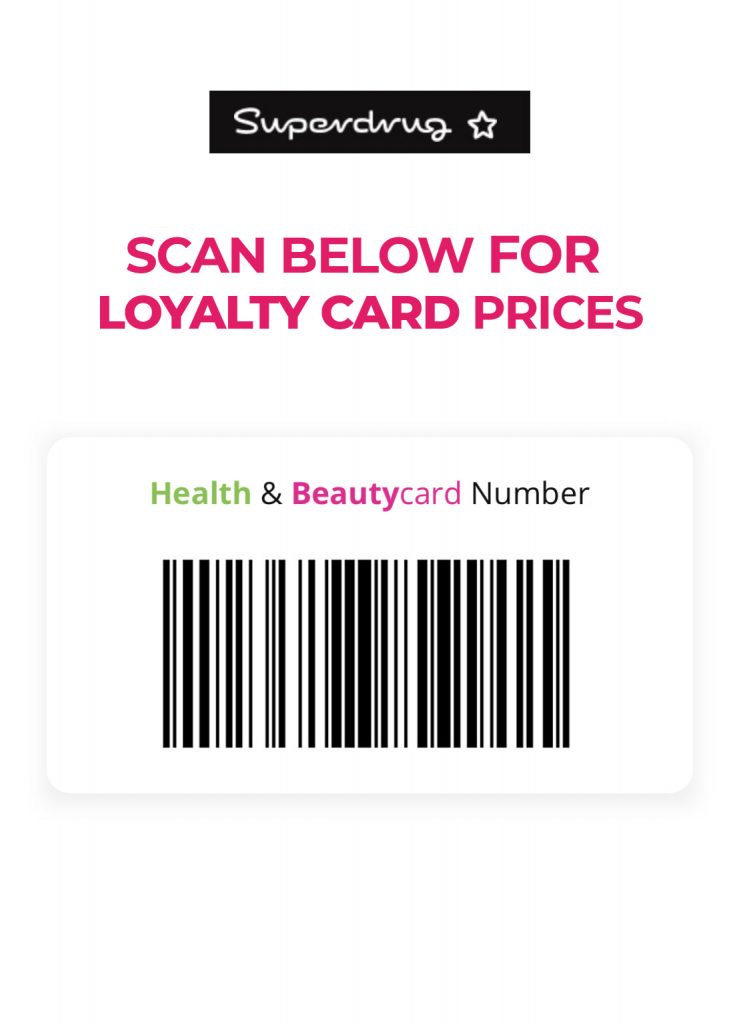
Adding your Superdrug Health & Beautycard to your mobile wallet offers a convenient and quick way to access your loyalty points and rewards without needing to carry the physical card. While Superdrug may not have a direct, official integration with all mobile wallet platforms for a digital representation of the entire card aesthetic, you can still effectively add a digital version of your barcode for scanning at the till. Here’s a step-by-step guide on how to achieve this using common methods:
Method 1: Using the Superdrug App’s Built-in Feature (Recommended)
The most straightforward and recommended method is to use the official Superdrug app. This often includes a feature that allows you to add a scannable barcode of your loyalty card directly to your phone’s native wallet (like Apple Wallet or Google Wallet).
- Download and Install the Superdrug App: If you haven’t already, download the Superdrug app from your device’s app store (iOS App Store or Google Play Store).
- Log In or Sign Up: Open the app and log in using your existing Health & Beautycard details. If you don’t have an account, you’ll need to sign up and link your physical card or create a new digital card.
- Navigate to Your Card Details: Within the app, look for a section related to your Health & Beautycard. This might be labeled as “My Card,” “Loyalty,” or something similar.
- Find the “Add to Wallet” Option: Within the card details section, you should look for an option to “Add to Apple Wallet,” “Add to Google Pay,” or a similar phrase. Tap on this option.
- Follow the On-Screen Instructions: Your phone will then guide you through the process of adding the barcode to your mobile wallet. This usually involves confirming the addition and may show a preview of the pass that will be added.
- Verification (If Required): In some cases, you might need to verify the addition through a prompt or a one-time code sent to your registered email or phone number.
- Accessing Your Card: Once added, you can usually access your Superdrug Health & Beautycard barcode through your phone’s mobile wallet app. On iPhone, this is typically the Wallet app; on Android, it’s usually Google Wallet (or a similar pre-installed wallet app).
Method 2: Taking a Screenshot and Adding it as a Photo (Less Ideal but Possible)
While not as seamless as a direct integration, you can take a screenshot of your barcode from the Superdrug app and store it in your phone’s photo gallery for quick access.
- Open the Superdrug App and Navigate to Your Barcode: Follow steps 1-3 from Method 1 to locate the barcode within the app.
- Take a Screenshot: Capture a clear screenshot of the barcode displayed on your screen. Make sure the entire barcode is visible.
- Create an Album (Optional): You can create a dedicated album in your phone’s photo gallery (e.g., named “Loyalty Cards”) to keep your digital cards organized.
- Access at Checkout: When you’re at the till in Superdrug, open your photo gallery, find the screenshot of your barcode, and present it to the cashier for scanning.
Important Considerations:
- Functionality: Adding the card via the app’s direct integration usually provides a better experience, potentially including features like the card number and points balance within the wallet app. A screenshot will only provide the barcode for scanning.
- Security: Be mindful of where you store the screenshot if you choose that method. While a barcode itself doesn’t contain sensitive personal information, it’s always good practice to be cautious.
- App Updates: Ensure your Superdrug app is up to date to have access to the latest features, including any improvements to mobile wallet integration.
- Contact Superdrug Support: If you encounter any issues or don’t see an “Add to Wallet” option in your app, it’s best to contact Superdrug’s customer support for assistance. They can provide the most accurate and up-to-date information regarding mobile wallet integration.
By following these steps, you can effectively add a digital representation of your Superdrug Health & Beautycard to your mobile wallet, making it easier than ever to earn and redeem points on your purchases. The direct integration method through the Superdrug app offers the most convenient and feature-rich experience.
Or if you forgot your Boots Advantage Loyalty Card no problem, just use ours.